![HQ1.png]](https://knowledgebase.mmgfusion.com/hs-fs/hubfs/HQ1.png?height=40&name=HQ1.png)
Patients may receive a survey after each appointment, no more than one appointment per day, to collect their feedback based on their recent experience for internal purposes only.
You can elect to have patient surveys sent to your patients after checkout in the following intervals:
- Immediately upon checkout
- 1 hour after checkout
- 2 hours after checkout
- 24 hours after checkout
To ensure patient surveys reach effective exposure, you will be able to select from the following sending options of one survey request
- Only once, no additional attempts
- Send survey up to 3 times or until completed whichever comes first
Regardless of the patient experience they are asked to provide feedback on an internal survey via SMS/EMAIL.
This survey is highly customizable. Below is a base survey asking the patient:
- To rate their experience
- Provide feedback internally on their experience
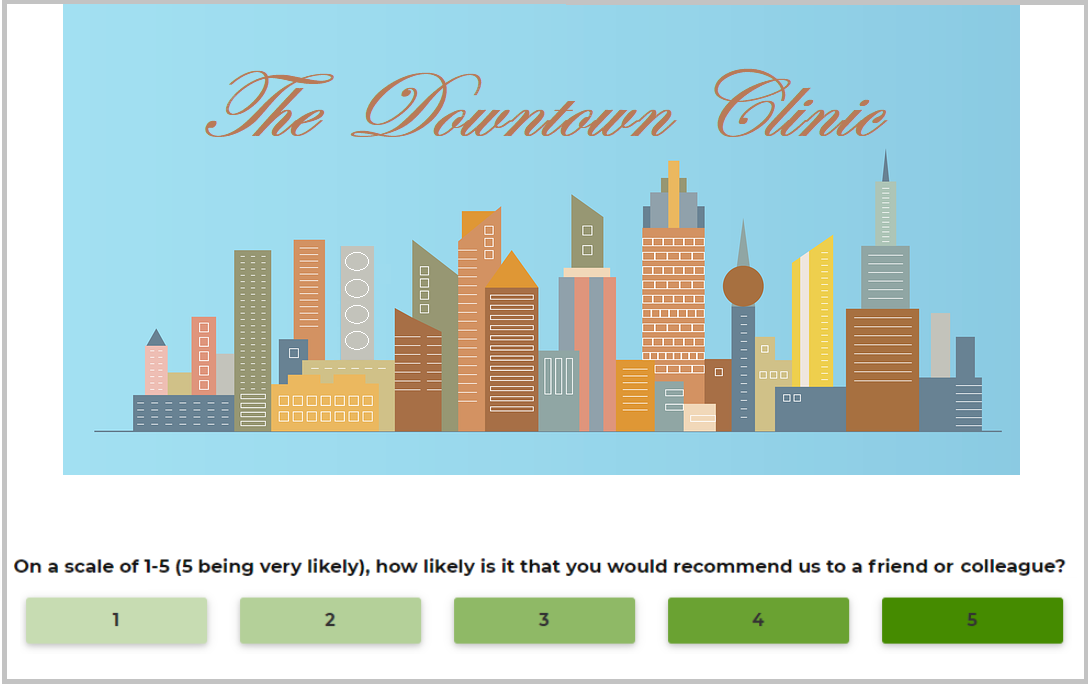
The internal survey can include any questions you desire. The questions can be related to general practice information such as:
- How would you rate the cleanliness of the office
- How was the check in/out process?
- Etc