![HQ1.png]](https://knowledgebase.mmgfusion.com/hs-fs/hubfs/HQ1.png?height=40&name=HQ1.png)
The main information about your practice can be edited under Settings → Setup → Basics.
You may update your Brand Name, phone, and address here.
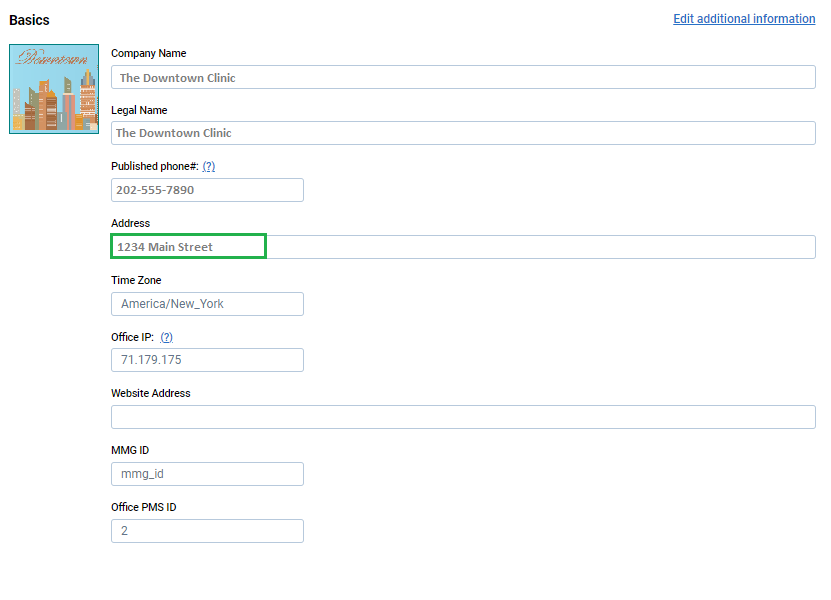
If you have the Local Directories package, updating your address or any other basic information will be pushed across all of your listings (so you don't have to)!
After up dating the information under Settings → Setup → Basics, also click on Edit additional information, and update the appropriate field under Business information.
Click Save and Publish to push the update to all of your listings
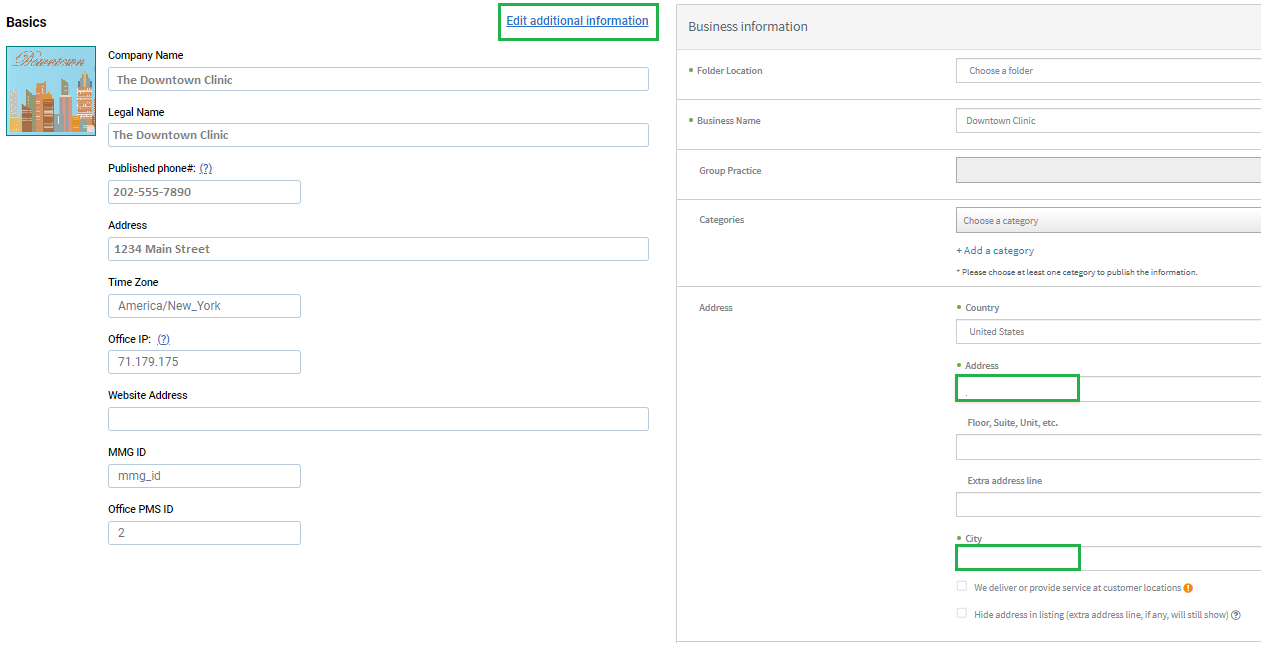
Click Save and Publish to push the update to all of your listings
