![HQ1.png]](https://knowledgebase.mmgfusion.com/hs-fs/hubfs/HQ1.png?height=40&name=HQ1.png)
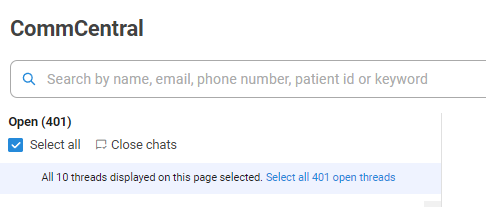
CommCentral's new bulk feature lets you select chats to delete them.
You may select a few at a time, or select all.
Selecting all will first check the threads of the current page only. An option to select all open threads will then display.
Select "Close chats" to close.
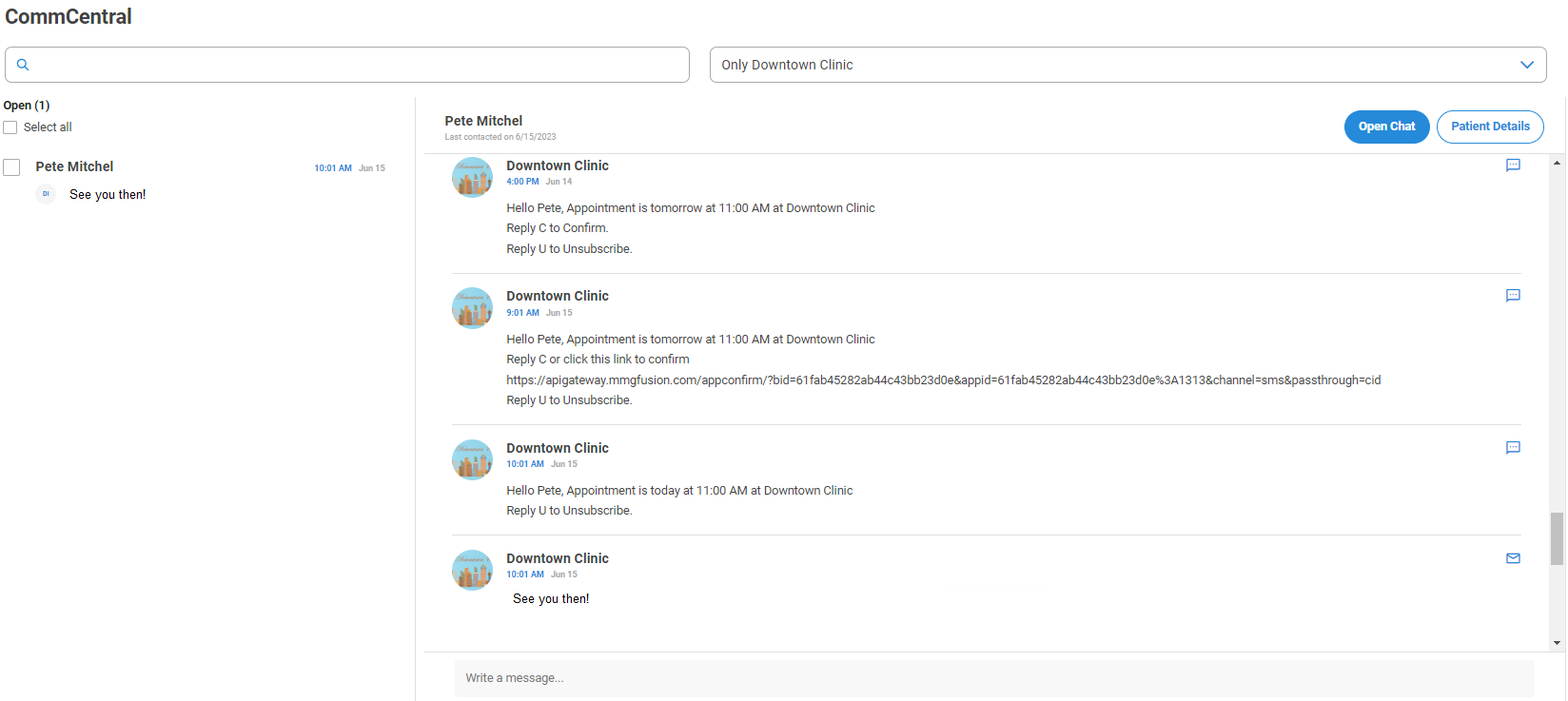
When a new message is received, the historic of the patient's communication will display along with the new message.
Watch this video below for more details!