![HQ1.png]](https://knowledgebase.mmgfusion.com/hs-fs/hubfs/HQ1.png?height=40&name=HQ1.png)
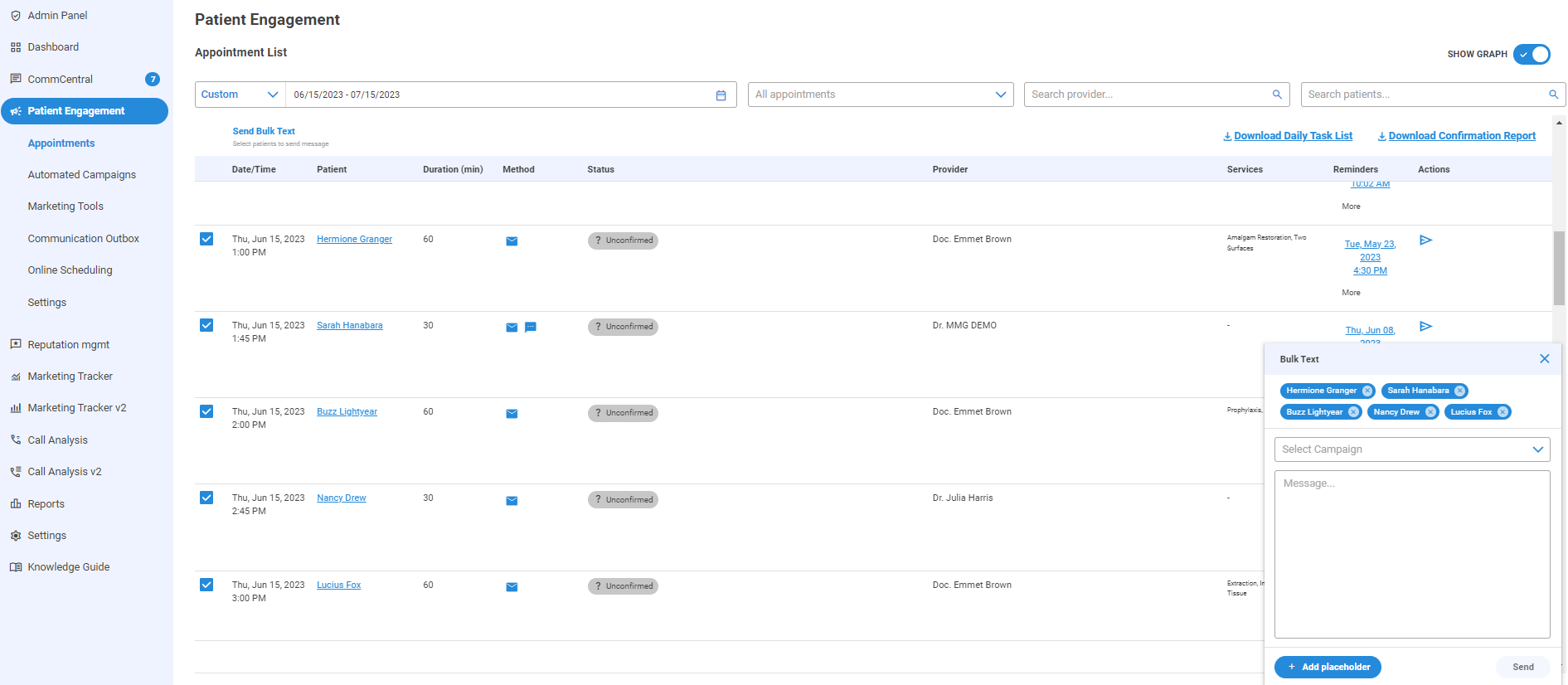
In case you need to cancel your patients due to bad weather, or to reach out to those who didn't show up for the day, you may now send the same message to multiple patients at once.
Go to Patient Engagement → Appointments → select the patients you wish to contact and click on Send Bulk Text to open up the message window. From there you can either select an existing text campaign, or write up a new text message. Click Send.
Note that One time text campaigns are at a cost of $0.0375/text.
Watch this video below for more details!